Know Every Sender Using Your Domain
SorbSecurity Sender Discovery gives you complete visibility into who sends email on behalf of your domain. Monitor DMARC, manage SPF and DKIM, and stop unauthorized senders — all from one dashboard.
TRY NOW!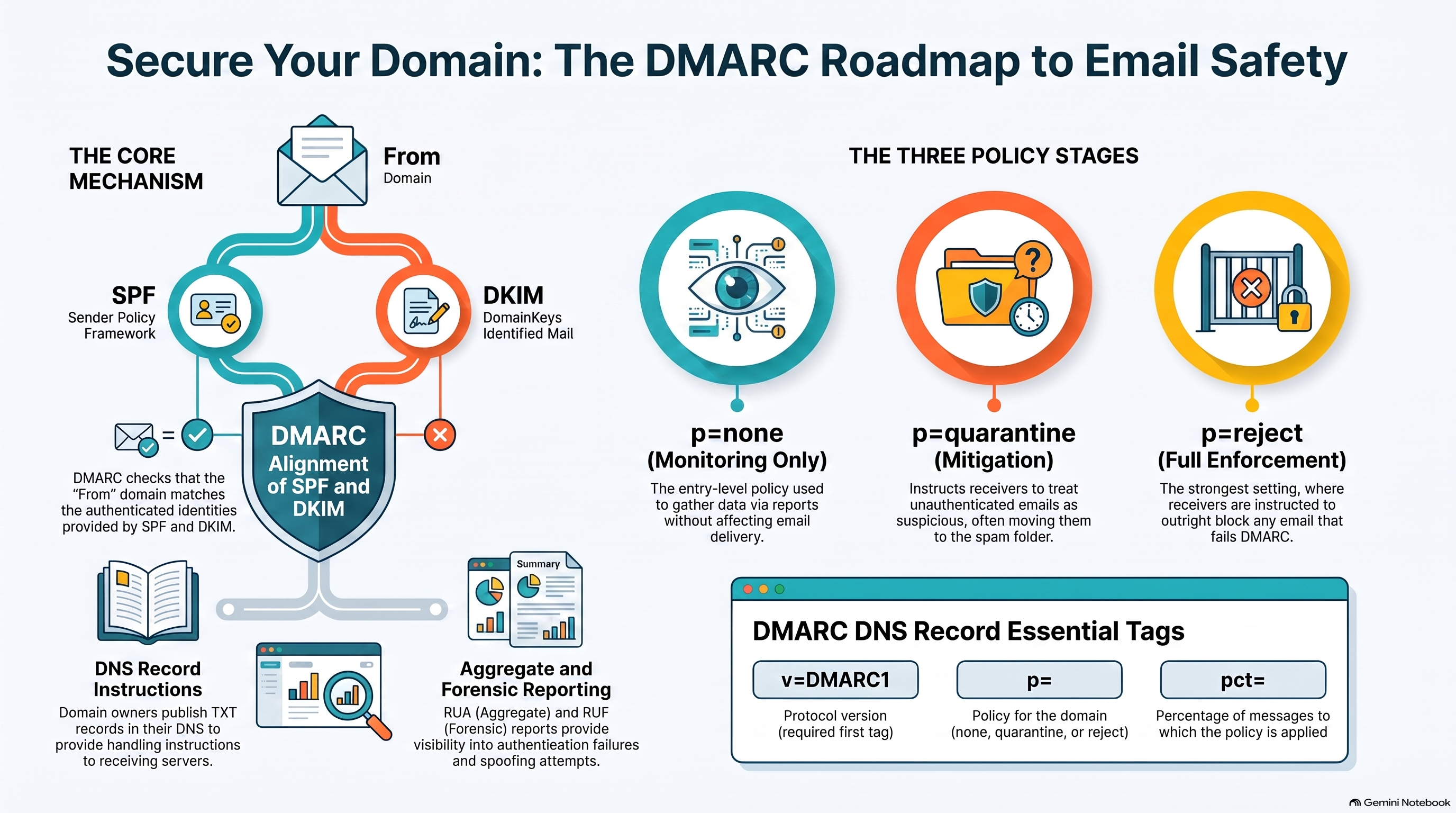
SorbSecurity Sender Discovery gives you complete visibility into who sends email on behalf of your domain. Monitor DMARC, manage SPF and DKIM, and stop unauthorized senders — all from one dashboard.
TRY NOW!
Whether you run a personal blog, a family domain, or a side project — your email deserves the same protection as a Fortune 500 company. Sender Discovery is completely free for personal use, with no credit card required and no time limit.
Love Sender Discovery? Share it and earn real rewards for every friend who signs up.
Share your unique referral link
Friend signs up for free
No strings attached. Refer unlimited friends.
Protect your brand and deliverability with automated DMARC reporting, SPF/DKIM management, and real-time sender intelligence.
Receive and visualize DMARC aggregate reports to understand who is sending email from your domains.
Get per-message failure details for deep investigation into authentication failures and spoofing attempts.
Manage and validate your SPF and DKIM records with hosted solutions that simplify DNS complexity.
Display your verified brand logo in recipient inboxes with BIMI record management and monitoring.
Enforce encrypted email transport and receive TLS failure reports to ensure delivery integrity.
Get instant alerts when unknown sources attempt to send email using your domain, stopping spoofing early.
Full-featured DMARC monitoring and sender discovery at a fraction of the cost. Compare us with the competition.
See how SorbSecurity Sender Discovery stacks up against leading DMARC platforms.
Stop domain spoofing, improve deliverability, and gain complete visibility into every sender using your domain — starting for free.
Register NOW!!!Cloud Email Security

Comprehensive cloud email security protecting businesses from advanced threats worldwide.